From a Master Craftsman
The Paperback Make-up stage is where I Design and Layout the cover for both EBook and Paperback. But only at the end of the Paperback Book stage can the Front Cover be laid out, along with the Back Cover of the Paperback. And that is where the width of the spine comes needs to be known. For without knowing how many pages the book is going to make we cannot exactly determine the width of the spine.
For that we need to know the the paper that is being used, in particular its size. So an 8x5in Paperback novel set 12pt/16pt Perpetua, making 200 pages, with a paper thickness between 60-70 gsm (making an approximate thickness, in this example of 0.065mm) will make the Spine Width of 12mm. Add that to the 5in width of the back page; another 5in for the front, add cut bleeds for front and back edges, plus the 12mm, and we can draw up an accurate Front and Back Cover for the Paperback using our digital image editing software.
The Front Cover will have an image, the name of the author and the title name of the book. While the Back Cover will have a precis of what the book is about, a suitable space for the ISBN. Perhaps some images of previous books along with a publishing name, all laid out in an appropriate fashion. As for that last wanted for spine width, that, and if it is wide enough, can have the title of your book, you the name of its author, all running down its length.
For the pupose of uploading to the IngramSpark platform the cover of the book will be need to be PDF/X1a:2001 compliant (current, 2026).
Takes thinking about. And is there any difference between Designing a Paperback Book Cover; and Creating an EBook Cover?
Only in as much as the process. A Paperback Cover in its physical form displays colours in the CYMK Model (Cyan, Magenta, Yellow and BlacK), and no that capital K is not a typo. Inside print circles the letter K stands for Key; Key is the Black plate in four-colour printing the other plates C,M,Y, align to. EBook Covers on the other hand use the RGB Model (Red, Blue, and Green) of colour; and is the way the human eye perceives colour in its digital format as well as the way a computer describes it. And to be a little more boring, RGB is known as, ‘additive primary’; as opposed to CMYK being known as ‘subtractive’. And just to further your understanding of the two colour Models, if you add Red, Green and Blue light together, you get White; while, subtracting Cyan, Magenta, and Yellow in the printing process you have a complete absense of colour: White. Adding 100 per cent of Cyan, Magenta, and Yellow together you end up with Black. In reality impurities in printing inks will produce a dirty brown.
The purpose of this exercise in boring detail is to impress upon you that because EBooks are digital in colour and format they have to be RGB.
To summarise, EBook Covers are RGB, Paperback Book Covers are CMYK. Never to be mixed.
A single-shot Image Page with an aspect ratio of 1.6:1 height to width is how I describe an EBook Cover. Example: 2,560 pixels high by 1,600 pixels wide is what I work to in mine. To state the obvious it has to have the title of the book, and the name of the author, with some reference by way of artwork to reflect what the book is about. As stated its creation has to be in the RGB Colour Model. I use Adobe Photoshop. Other image editing graphic design softwares are available. Of course whatever the design and style is created it has to reflect its sibling, the Paperback Cover. Something I am mindful of when I am Creating an EBook Cover.
Using the 1.6:1 ratio. Note the detail when it reduces.
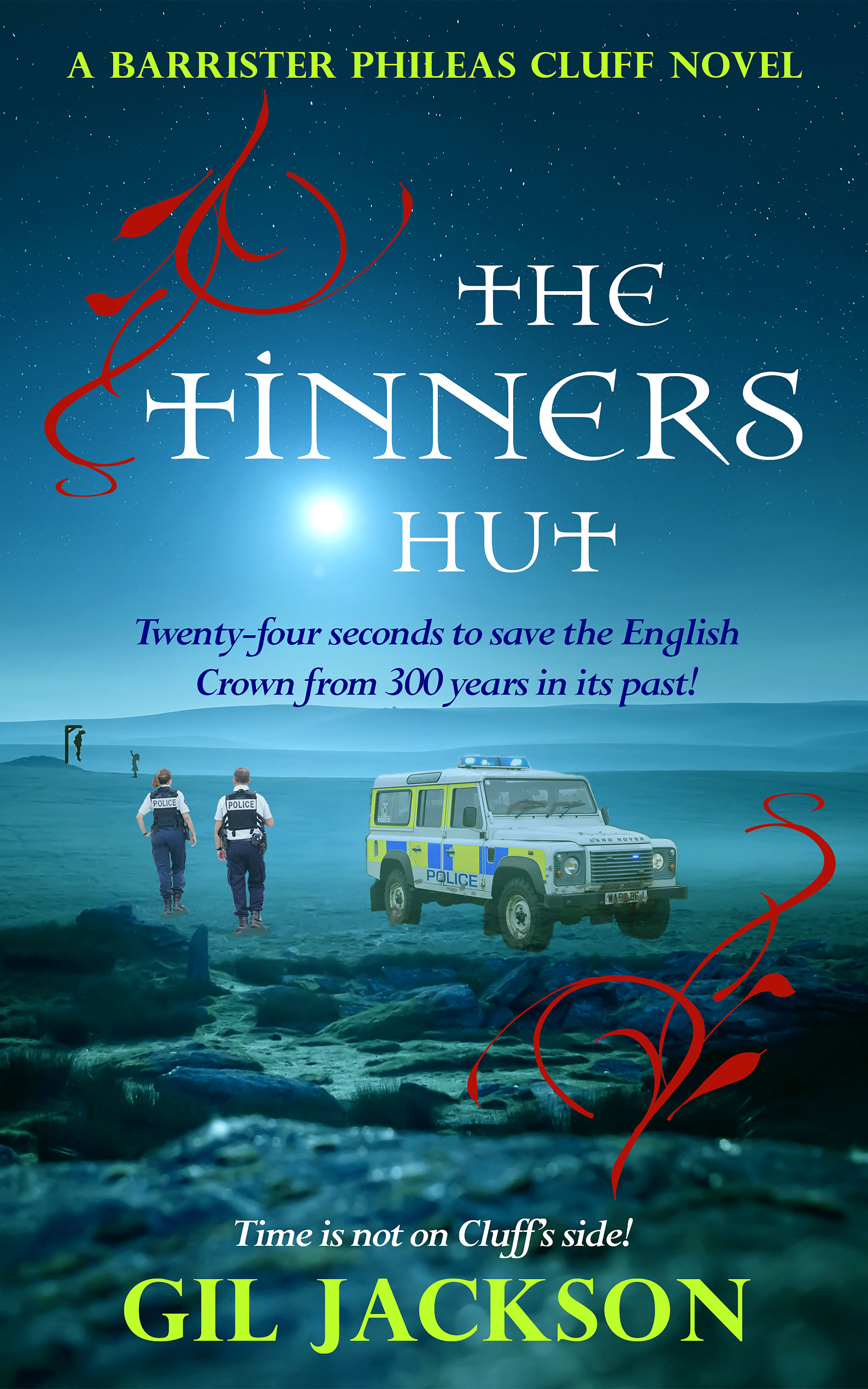
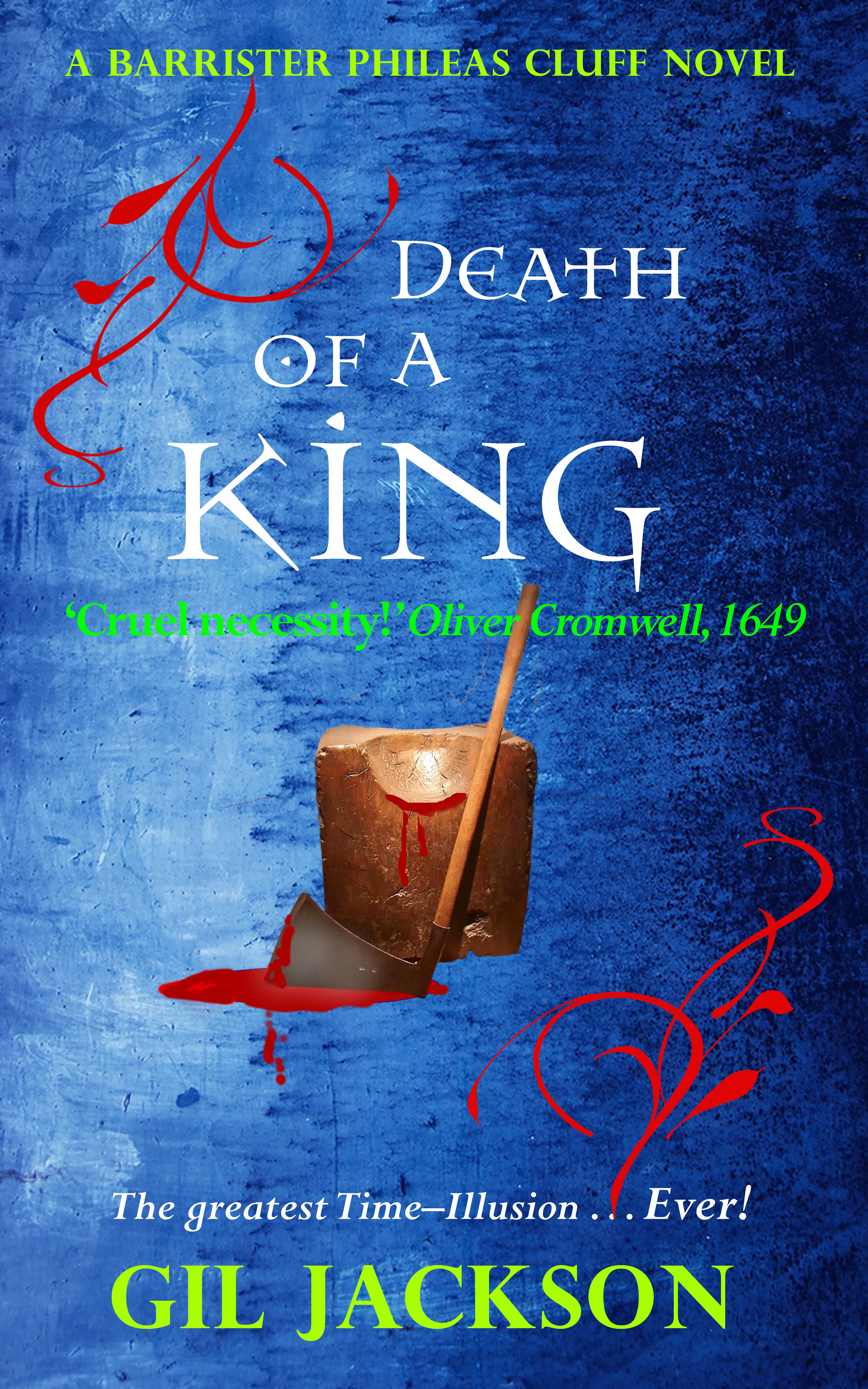
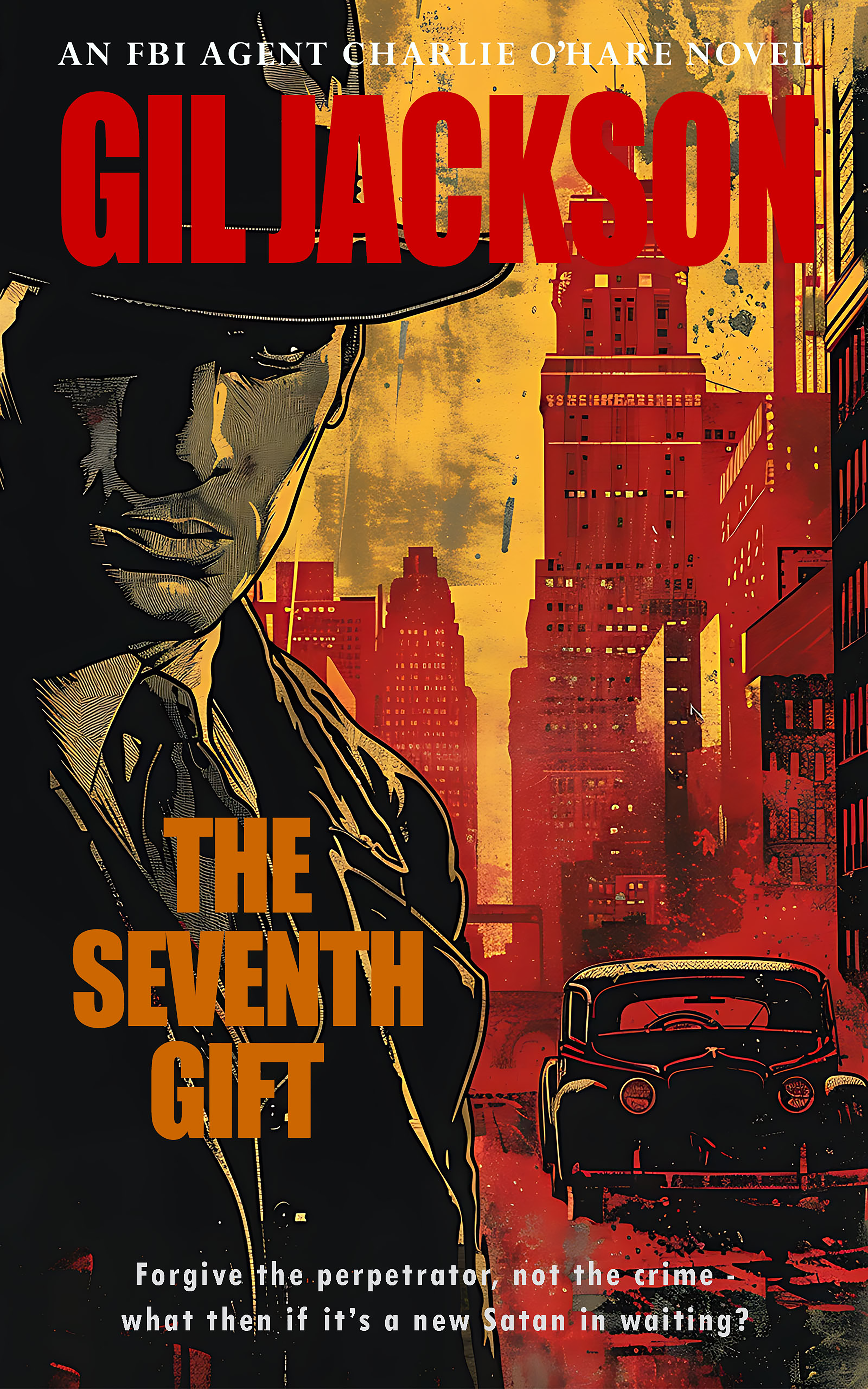
A lot of unnecessary time can be spent on producing an EBook Cover without an idea of what you want. Going backwards and forwards trying to get the wording right. Adjusting fonts and their sizes. Selecting colours that blend with each other rather than clashing. Part of the problem is the amount of options authors have these days. Fonts, sizes and colours galore, but which do you choose with so many?
With all of that in mind the quality of the book cover has improved considerably over the years. Clearly the variety of tools available is a contributing factor, even so your book, the design of your cover, needs a professional approach. A designer that can put together a cover that could stand alongside any other book displayed on the platform you choose. And for all that is required of an EBook Cover I begin with the Paperback Book version first; and for good reason.
A rough idea of what you want, the name of your book, what it's about, its title all go to aid me when it comes to laying out your design. Here I draw up a grid system, full size on a sheet of paper putting everything down pencil on paper. A grid is useful for maintaining balance for the cover. Then its measurement. Height plus bleed top and bottom, then width of both plus spine, plus bleeds, not forgetting to include print area inside of the bleeds. All of this before I get to the digital image compositing software I use to create the Paperback Cover. Whatever is used in the way of font, size, colour, and style it has to match exactly the EBook Cover. Except, RGB versus CYMK, of course.
Along with the name of your book, what it's about, and its title, you will need space for an ISBN, the ‘what it’s about blurb’, the name of the Publisher (that will be your own name, unless a traditional publisher has come your way). Remember those colour models we are to use for Creating a Paperback Cover. The Cyans, Magentas, Yellows and Blacks, are to be applied here.
With the EBook Cover completed basic changes have to be made. These will be the convertion of the Colour Model from RGB to CMYK, the inclusion of the Back Cover with its content, and font sizes being repurposed from the EBook aspect ratio to actual size - in this case pixels to inches – 2,560 pixels high by 1,600 pixels wide down to an 8x5in format – with the saving from jpg to PDF along with the inclusion of the printing press compliance code of PDF/X1a:2001. This is the Portable Document Format the standard developed for the graphic arts industry and printing. It ensures that digital documents are compatible with professional print workflows, minimising errors and discrepancies. Although Amazon doesn't ask for the code, IngramSpark does (I suspect Amazon inserts it without my knowing, I don't know), either way, I insert if for all Platforms, along with font embedding, just to be on the safe side.
An 8x5in PDF.
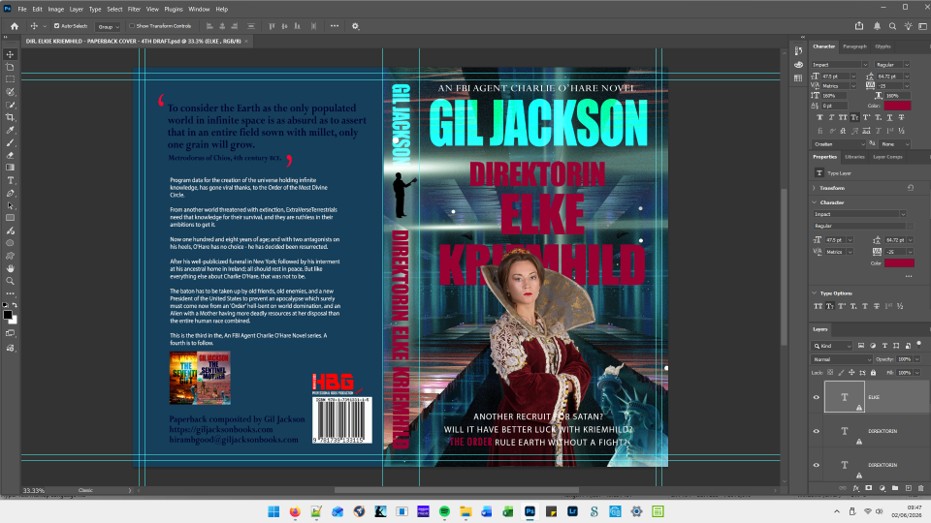
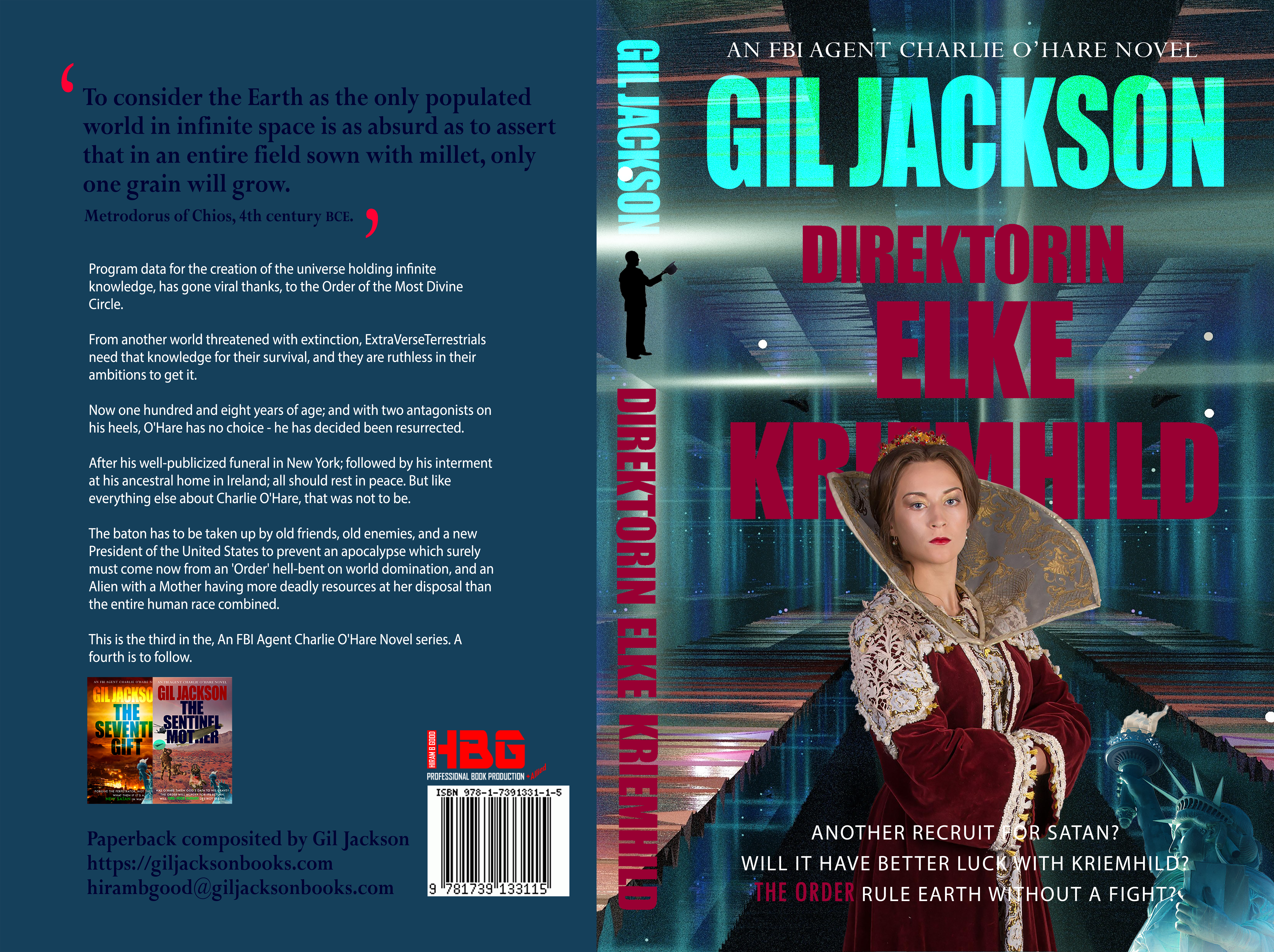
This all depends on what you want in the way of design and its complexity. Like anything else that is bespoke, a one-off, the sky's the limit. As an example of the above, depending if any images need to be purchased, I charge £40 for a basic EBook Cover if you are having an EBook Formatted by me. For an example of the above kind of design my price would be £150 for the Paperback and £60 for the EBook Cover. Of course a quotation will be given for your approval before commencement of work.
The EBook Cover will be supplied in JPEG or TIFF formats. The Paperback Cover will be supplied as a PDF along with its PDF/X1a:2001 compliance.
If you have any questions you can simply click the contact button below. This will put you through to my email account without filling out the Submission Form if you have a simple question. Although I have fixed prices I recognise not all work is the same and as such I will always quote first. The Return Submission Form should give me all the information about your book for me to estimate. As I say a full quotation will be sent to you for your approval should you go ahead. Should any problems arise that need your approval while I am working on any of your projects then you will be informed immediately.